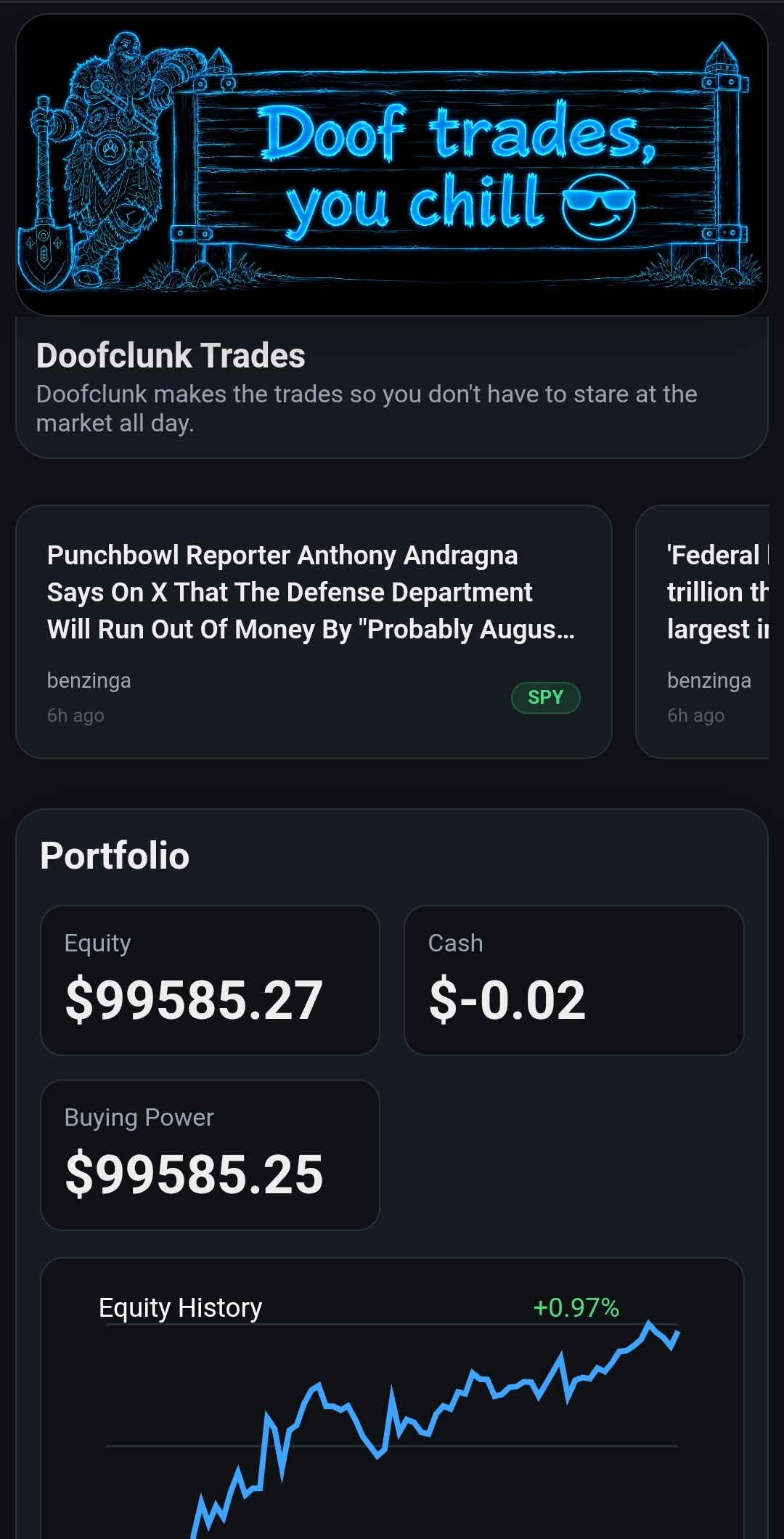
📰 News spotlights will appear here when market news is available...

Portfolio

Equity
$0.00
Cash
$0.00
Buying Power
$0.00

Latest Decision

Status
-
Last Checked
-
All symbols analyzed:

AI Analyst

Bias
-
Confidence
-
Advice
-
Summary
-
Risk Note
-

Trading Controls

Stopped
Start turns on the auto-trader. It will monitor the market and place trades when conditions are right. It only trades while the market is open (Mon–Fri, 9:30 AM – 4 PM ET).

Stop turns off the auto-trader. It will not sell your current positions — it just stops looking for new trades. Your money stays invested wherever it is.
Runs one market check immediately instead of waiting for the next scheduled check. If conditions are right and dry run is off, it may place a trade.

Balanced
The risk slider controls everything — what gets traded, how stops work, and how much the AI controls decisions. Slide right for more potential profit (and more risk). Slide left for safety.
When Practice Mode is on, Doofclunk will not place any trades — no real money, no play money, nothing. He just analyzes and shows you what he would do. To use Alpaca's paper money, turn Practice Mode OFF and make sure you're connected in Paper Trading mode. Doofclunk uses your full account balance — split equally across your watchlist symbols.
How often the app checks the market and looks for trade opportunities. Lower = more active, higher = more patient.

Opens your Alpaca account in a browser. See your full trade history, real-time positions, P&L charts, and account details — even when this app is off.
Test how the AI would react to news events — without placing any trades. Great for understanding how the system thinks.

Disconnects your broker account from this app. This stops all trading and monitoring. Your positions and money stay in your Alpaca account — nothing is sold.

📰 Live Market News

Doofclunk automatically pulls the latest news from Alpaca for your watchlist and feeds it to the AI analyst. No manual input needed.
  • News loads when the market is checked...

Market Notes

Share your market outlook with Doofclunk's AI. Anything you type here is combined with the live news feed and factored into trading decisions on every market check.

On conservative tiers, strong notes can cause the AI to block or reduce trades. On aggressive tiers, it informs but won't block.

Example: "Expecting Fed rate cut next week" or "NVDA earnings beat, guidance strong"
⚠️ Only use publicly available information. Do not enter material non-public (insider) information. All notes are logged with timestamps. By using this feature you agree to our Terms of Service.

Report a Bug

Tell Doof what went wrong and he'll squash it with his shovel.
Doofclunk Thinks
Doofclunk Thinks
Enter fake news or real news and see how Doofclunk would likely react. This is simulation only. No trades are placed from this window.

Scenario Input

Scenario Summary

Overview
-
Tone
-

Potentially Affected Assets

Potentially Affected Current Holdings

How Risk Styles React

Defensive
-
-
-
Balanced
-
-
-
Aggressive
-
-
-

Choose Your Plan

Start free. Upgrade anytime. Downgrade anytime. No contracts.
Doofclunk Lite
Free
No credit card needed
  • Manual market checks
  • Conservative risk tier
  • Basic portfolio view
  • Doofclunk Tips
  • Recent activity log
Doofclunk Smash
$20/mo
Maximum performance
  • Everything in Trades
  • Brownrigg Analytics
  • 5-minute check intervals
  • Priority AI analysis
  • Lifetime activity history
Doofclunk

Doofclunk Trades

Investing made stupid easy.

🧙 The Legend

Doofclunk is a warrior who spent years swinging his magic shovel at dragons, goblins, and the occasional tax collector. One day he realized something: the real treasure was compound interest all along.

So he put down the shovel (mostly), studied the markets, and built a system that watches stocks while you live your life. He digs through market data so you don't have to stare at charts all day. You set your risk level, pick your style, and Doofclunk handles the rest.

TL;DR: Doofclunk makes the trades. You chill.

💰 What This App Does

  • Automated trading — Doofclunk watches the market and places trades based on your settings
  • AI-powered analysis — Get real-time market insights and scenario planning
  • Risk controls — Set your comfort level from cautious to aggressive
  • Paper trading — Practice with Alpaca's virtual cash before risking a cent. Doofclunk uses your full account balance.
  • Zero complexity — No confusing charts or jargon. Just set it and forget it.

🏦 Why Alpaca?

Alpaca is a FINRA-registered, SIPC-protected brokerage built for modern apps. Your money lives safely in your own Alpaca account — Doofclunk just tells it what to buy and sell.

  • Commission-free stock and crypto trading
  • Your money, your account — we never hold your funds
  • Instant paper trading — practice account created in seconds
  • Revoke anytime — disconnect Doofclunk with one click

🚀 Getting Started (3 steps)

1
Create Account

Takes 10 seconds. Just email + password.

2
Connect Alpaca

One-click OAuth or paste API keys. Free account, no card needed.

3
Let Doofclunk Work

Pick your risk level and go live. Or start with paper money first.

❓ Common Questions

How do I set up an Alpaca account?

Go to alpaca.markets/sign-up and create a free account. No minimum deposit. You'll get a paper trading account instantly with virtual cash. When you're ready for real money, verify your identity and fund your account.

What's paper vs live trading?

Paper trading uses virtual money so you can watch Doofclunk work without any risk. Live trading uses real money from your funded Alpaca account. In both modes, Doofclunk uses your full account balance — split equally across your watchlist. We recommend starting with paper to get comfortable.

Is my money safe?

Your money is held by Alpaca Securities LLC (FINRA/SIPC protected). Doofclunk only has permission to place trades — never to withdraw funds. You can revoke access anytime from your Alpaca dashboard.

Does this cost anything?

Doofclunk Trades has a free tier. Premium plans unlock faster checks and AI features. Alpaca itself is commission-free. There's no minimum to start.

Already have an account? Sign in

Privacy Policy  |  Terms of Service

Doofclunk

Doofclunk Trades

Sign in or create an account to get started.
At least 8 characters
Uppercase letter
Lowercase letter
Number
Special character
Doofclunk thinking
Loading...
Doofclunk thumbs up

Ready to let Doof trade for real?

Are you sure you want to trust Doof with your money? He's got his shovel ready!

Doofclunk

Change Risk Tier?

FAQ

Who is Doofclunk?
Loading...
How can I switch Alpaca accounts?
To switch Alpaca accounts:

1. Click Account in the top bar
2. Click Disconnect to remove your current connection
3. Click Reconnect (or use the onboarding screen) to connect a new account

You can connect via the one-click Connect with Alpaca button or enter API keys manually.
What is Practice Mode (Dry Run)?
Practice Mode (also called Dry Run) makes Doofclunk analyze the market without placing any trades — not real ones, not play money ones, nothing. He shows you exactly what he would do, but doesn't touch your account.

This is different from Paper Trading. Paper Trading uses Alpaca's virtual cash to place simulated trades that track real prices. Doofclunk uses your full account balance, split across your watchlist symbols. To use paper money trades, turn Practice Mode OFF and make sure you're connected in Paper Trading mode.

Quick guide:
• Practice Mode ON = no trades at all, just analysis
• Practice Mode OFF + Paper = virtual money trades (full balance)
• Practice Mode OFF + Live = real money trades (full balance)
Is my money safe?
Doofclunk Trades connects to your Alpaca brokerage account. Your money is held by Alpaca Securities LLC, a FINRA member and SIPC-protected broker. Doofclunk never has direct access to withdraw your funds — he can only place trades through the Alpaca API. You can revoke access at any time from your Alpaca dashboard.
How do I add money to my Alpaca account?
To fund your Alpaca account:

1. Log in to your Alpaca Dashboard
2. Go to Banking (or Transfers)
3. Click Transfer Funds and link your bank account
4. Choose your deposit amount and confirm

Deposits typically arrive in 1-3 business days. Alpaca also supports instant deposits for smaller amounts.

Note: If you're using Paper Trading, your account comes pre-loaded with virtual cash — no deposit needed!
How is my activity logged?
Doofclunk keeps a log of every market check, trade, settings change, and scenario you run. This data powers your analytics and helps you track performance over time.

Doofclunk Lite — Keeps your most recent 200 events
Doofclunk Trades — Keeps your most recent 2,000 events
Doofclunk Smash — Lifetime history — every event is stored permanently for full Brownrigg Analytics reports
How does Doofclunk trade?
Doofclunk uses a multi-layered analysis engine to decide when to buy and sell:

1. Technical Analysis — He reads 90 days of price history and calculates four indicators: MA crossover (20/50-day), RSI (momentum), ADX (trend strength), and volume confirmation. All four must agree before he acts.

2. Choppy Market Filter — If the ADX shows no clear trend (below 20), Doofclunk holds. No more buying into sideways chop.

3. Overbought/Oversold Protection — RSI above 70 blocks buys (too late), RSI below 30 blocks sells (possible bounce).

4. Volume Confirmation — Signals require at least 80% of average daily volume. Low-volume moves are ignored.

5. AI Analysis — Doofclunk reads live news headlines via Alpaca and runs AI sentiment analysis. On conservative tiers, the AI can veto trades entirely. On aggressive tiers, it informs but doesn't block.

6. Signal-Weighted Allocation — Capital is distributed based on signal quality, not equally. Stronger signals get more capital. The weighting intensity depends on your risk tier.

7. Bracket Orders — Every buy includes automatic stop-loss and take-profit levels. Your downside is capped before the trade even executes.

8. Drawdown Breaker — If your portfolio drops too far from its peak, Doofclunk stops trading entirely until you reset it. A circuit breaker for your account.
How does auto-trading work?
When auto-trading is enabled, Doofclunk checks the market on a schedule — even when you're not using the app. He runs the full analysis pipeline (technicals, AI, news) and places trades if all conditions are met.

You control the check frequency in Trading Controls — from every 15 minutes to every 60 minutes. Free-tier users can still run manual checks whenever they want.
What are the risk tiers?
Doofclunk has 5 risk tiers controlled by the Risk Score slider. Each tier has its own watchlist, stop-loss settings, AI behavior, and capital allocation strategy:

Conservative (0–20) — SPY, DIA, TLT, GLD. Fixed stop-loss 2%. AI can veto trades. Equal allocation across all symbols.
Cautious (21–40) — SPY, QQQ, DIA, IWM, TLT, VYM. Trailing stop 2.5%. AI veto. Slight signal-weighting.
Balanced (41–60) — SPY, QQQ, AAPL, MSFT, XLF, XLV. Trailing stop 3%. AI advises. Signal-weighted — more capital goes to stronger signals, HOLD symbols redistributed.
Growth (61–80) — QQQ, AAPL, NVDA, AMZN, AMD, SOXX. Trailing stop 4%. AI informs only. Strong signal-weighting — concentrates on best opportunities.
Aggressive (81–100) — TQQQ, NVDA, AMD, AAPL, TSLA, SOXX. Trailing stop 5%. AI informational only. Maximum signal-weighting — all capital flows to the strongest signals.

Free-tier users are limited to the Conservative tier. Paid plans unlock all five.
What are Market Notes and how do they affect trading?
Market Notes is a text field where you can share your own market outlook, observations, or context with Doofclunk's AI. Whatever you type is merged with the live news feed and sent to the AI analyst on every market check.

How it affects decisions:
The AI reads your notes alongside live headlines and adjusts its bias and confidence. On conservative tiers, if your notes create a strong bearish signal (e.g. "recession imminent"), the AI can block or reduce buy orders. On aggressive tiers, it influences the AI's summary and reasoning but won't override the technical signals.

What to write: Public news you think is important, your read on a sector, earnings expectations, macro outlook. Think of it as briefing your AI analyst before it makes decisions.

What NOT to write: Material non-public information (insider information). Trading on inside information is a federal crime under SEC regulations, regardless of whether a human or an AI executes the trade. Doofclunk Trades is a tool — legal responsibility for the information you provide rests with you.

Compliance: All Market Notes are logged with timestamps as part of your activity history. These records may be provided to regulatory authorities if required by law.
What is Brownrigg Analytics?
Brownrigg Analytics is a premium reporting feature for Doofclunk Smash subscribers. It uses your lifetime activity history to generate detailed performance reports — including P&L breakdowns, win rate, week-over-week comparisons, and year-over-year trends. Think Power BI, but for your Doofclunk trades.
Is my data private?
Yes. Your trading data, activity logs, and Alpaca credentials are stored securely on our servers and are never shared with third parties. We don't sell your data or use it for advertising. Your Alpaca API connection uses encrypted tokens and can be revoked at any time. See our Privacy Policy for full details.
How do I get the Android app?
Doofclunk Trades is available as an Android app you can install directly:

Option 1 — Direct download: Visit doofclunktrades.com/download on your Android phone and tap the download button. You may need to allow installs from unknown sources in your phone's settings.

Option 2 — Add to Home Screen: Open doofclunktrades.com in Chrome on your phone, tap the three-dot menu, and select "Add to Home Screen." This installs the web app as a full-screen app on your device.

Google Play: Coming soon — we're testing a bit more before submitting to the Play Store.

The Android app is the same Doofclunk Trades experience — auto-trading runs on our servers whether the app is open or not.

Connect Your Alpaca Account

Connect your free Alpaca account to start trading. One click and you're in.
Log into Alpaca, authorize Doofclunk, done.
Or enter API keys manually

⚠️ Live Trading Warning

You are about to connect with real money. Doofclunk Trades will place actual buy and sell orders using your live Alpaca account.

We recommend starting with Paper Trading first to get comfortable with how Doofclunk works.

Account Settings

Email

Subscription

Alpaca Connection

Password